
How It Works Picture
An illustrated 3D diorama picture that explains any process step by step.
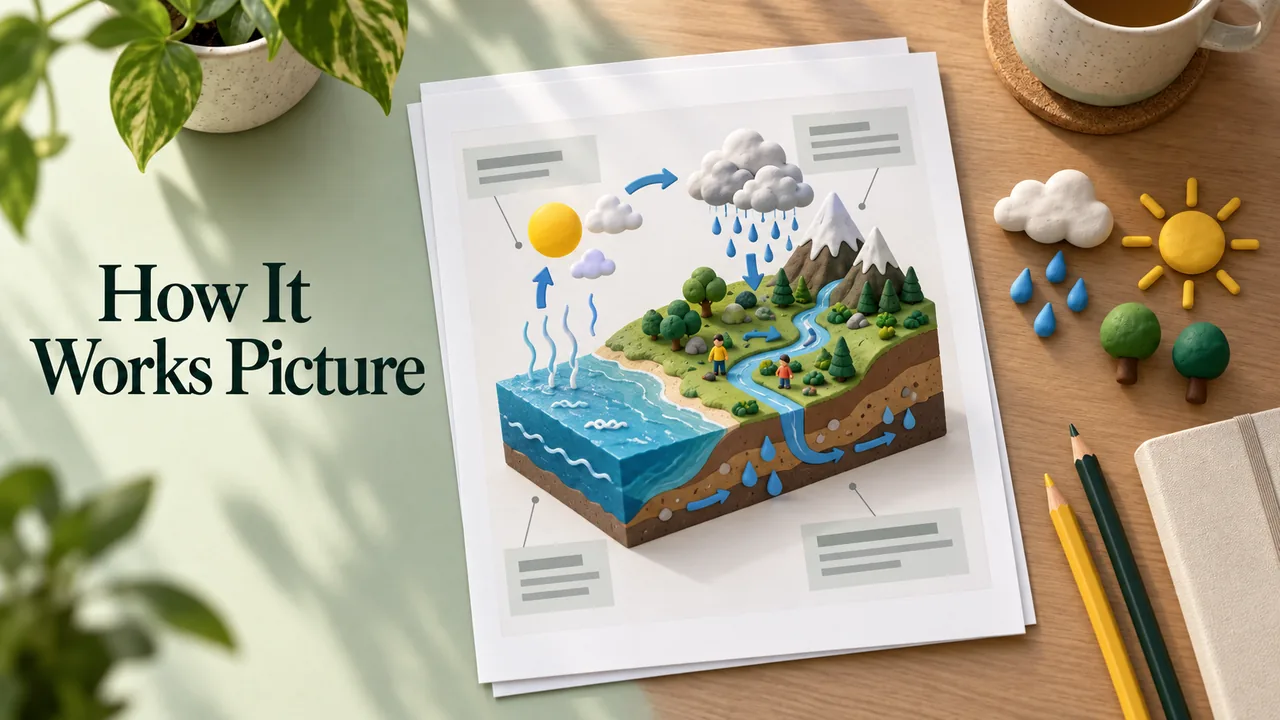
An illustrated 3D diorama picture that explains any process step by step. This is a free, open-licence prompt written by Huss-Alamodi and published on GitHub in f/prompts.chat under the CC0 public-domain dedication. It is quoted below word for word. Paste it into Claude, ChatGPT or Gemini, answer its questions about your class, and check what comes back before you use it with students.
The prompt
Create a clear, 45° top-down isometric miniature 3D educational diorama explaining [PROCESS / CONCEPT].

Use soft refined textures, realistic PBR materials, and gentle lifelike lighting.

Build a stepped or layered diorama base showing each stage of the process with subtle arrows or paths.

Include tiny stylized figures interacting with each stage (no facial details).

Use a clean solid ${background_color} background.
At the top-center, display ${process_name} in large bold text, directly beneath it show a short explanation subtitle, and place a minimal symbolic icon below.

All text must automatically match the background contrast (white or black).
Prompt by Huss-Alamodi, quoted word for word from f/prompts.chat on GitHub. Shared under the CC0 public-domain dedication. Works with Claude, ChatGPT or Gemini; check the output before you use it with students.
What’s inside
- Copy the prompt below, or download it as a SKILL.md
- Paste it into Claude, ChatGPT or Gemini (or add the SKILL.md to Claude)
- Answer its questions about your students, topic and year level
- Read what comes back and adjust it before you use it in class
What you’ll bring
- An AI assistant such as Claude, ChatGPT or Gemini
- Your topic, year level and class details
What you’ll get
- An illustrated 3D diorama picture that explains any process step by step.
Perfect for
- Classroom teachers
- Homeschooling parents
- Tutors
Also found as
free teacher prompt · ai prompt for teachers · how it works picture · activities prompt
Questions
What is How It Works Picture?
An illustrated 3D diorama picture that explains any process step by step. Huss-Alamodi made it with Claude Opus 5.5 and shared the prompt, which this page quotes word for word.
Who made it, and where was the prompt shared?
Huss-Alamodi made it and shared the prompt on GitHub: https://github.com/f/prompts.chat/blob/7d3f248962d1dca209d59e033524bcb86c2b26b8/prompts.csv. You can find more from them at https://github.com/f/prompts.chat.
How do I use the prompt?
1. Copy the prompt below, or download it as a SKILL.md. 2. Paste it into Claude, ChatGPT or Gemini (or add the SKILL.md to Claude). 3. Answer its questions about your students, topic and year level. 4. Read what comes back and adjust it before you use it in class.
Is it free?
Yes. Copying the prompt and downloading the SKILL.md costs nothing on Omo. You run it with your own access to Claude Opus 5.5.
This prompt was written by Huss-Alamodi and published on GitHub in f/prompts.chat under the CC0 public-domain dedication. Omo lists it free with credit and a link to the source. Authors can ask us to change or remove a listing at omo.space/support.