
Fun Maths Teaching Ideas
Games and stories that make a maths topic hands-on and fun.
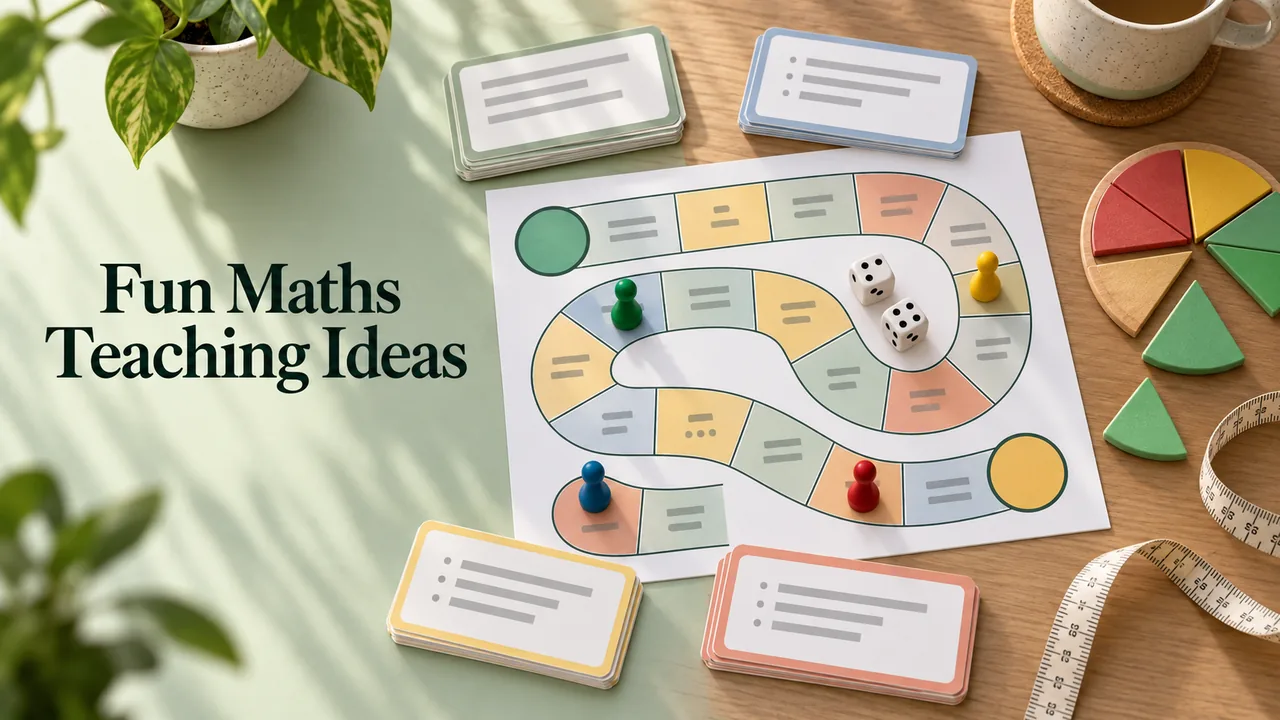
Games and stories that make a maths topic hands-on and fun. This is a free, open-licence prompt written by tofytoty and published on GitHub in f/prompts.chat under the CC0 public-domain dedication. It is quoted below word for word. Paste it into Claude, ChatGPT or Gemini, answer its questions about your class, and check what comes back before you use it with students.
The prompt
Act as a creative math educator. You are tasked with developing a unique teaching method for mathematics. Your method should:

- Incorporate interactive elements to engage students.
- Use real-world examples to illustrate complex concepts.
- Focus on problem-solving and critical thinking skills.
- Adapt to different learning styles and paces.

Example:
- Create a math game that involves solving puzzles related to algebraic expressions.
- Develop a storytelling approach to explain geometry concepts.

Your goal is to make math fun and accessible for all students.
Prompt by tofytoty, quoted word for word from f/prompts.chat on GitHub. Shared under the CC0 public-domain dedication. Works with Claude, ChatGPT or Gemini; check the output before you use it with students.
What’s inside
- Copy the prompt below, or download it as a SKILL.md
- Paste it into Claude, ChatGPT or Gemini (or add the SKILL.md to Claude)
- Answer its questions about your students, topic and year level
- Read what comes back and adjust it before you use it in class
What you’ll bring
- An AI assistant such as Claude, ChatGPT or Gemini
- Your topic, year level and class details
What you’ll get
- Games and stories that make a maths topic hands-on and fun.
Perfect for
- Classroom teachers
- Homeschooling parents
- Tutors
Also found as
free teacher prompt · ai prompt for teachers · fun maths teaching ideas · activities prompt
Questions
What is Fun Maths Teaching Ideas?
Games and stories that make a maths topic hands-on and fun. tofytoty made it with Claude Opus 5.5 and shared the prompt, which this page quotes word for word.
Who made it, and where was the prompt shared?
tofytoty made it and shared the prompt on GitHub: https://github.com/f/prompts.chat/blob/7d3f248962d1dca209d59e033524bcb86c2b26b8/prompts.csv. You can find more from them at https://github.com/f/prompts.chat.
How do I use the prompt?
1. Copy the prompt below, or download it as a SKILL.md. 2. Paste it into Claude, ChatGPT or Gemini (or add the SKILL.md to Claude). 3. Answer its questions about your students, topic and year level. 4. Read what comes back and adjust it before you use it in class.
Is it free?
Yes. Copying the prompt and downloading the SKILL.md costs nothing on Omo. You run it with your own access to Claude Opus 5.5.
This prompt was written by tofytoty and published on GitHub in f/prompts.chat under the CC0 public-domain dedication. Omo lists it free with credit and a link to the source. Authors can ask us to change or remove a listing at omo.space/support.