
Report Comments
Give the subject, a few strengths and next goals, get a set of report comments using first names only.

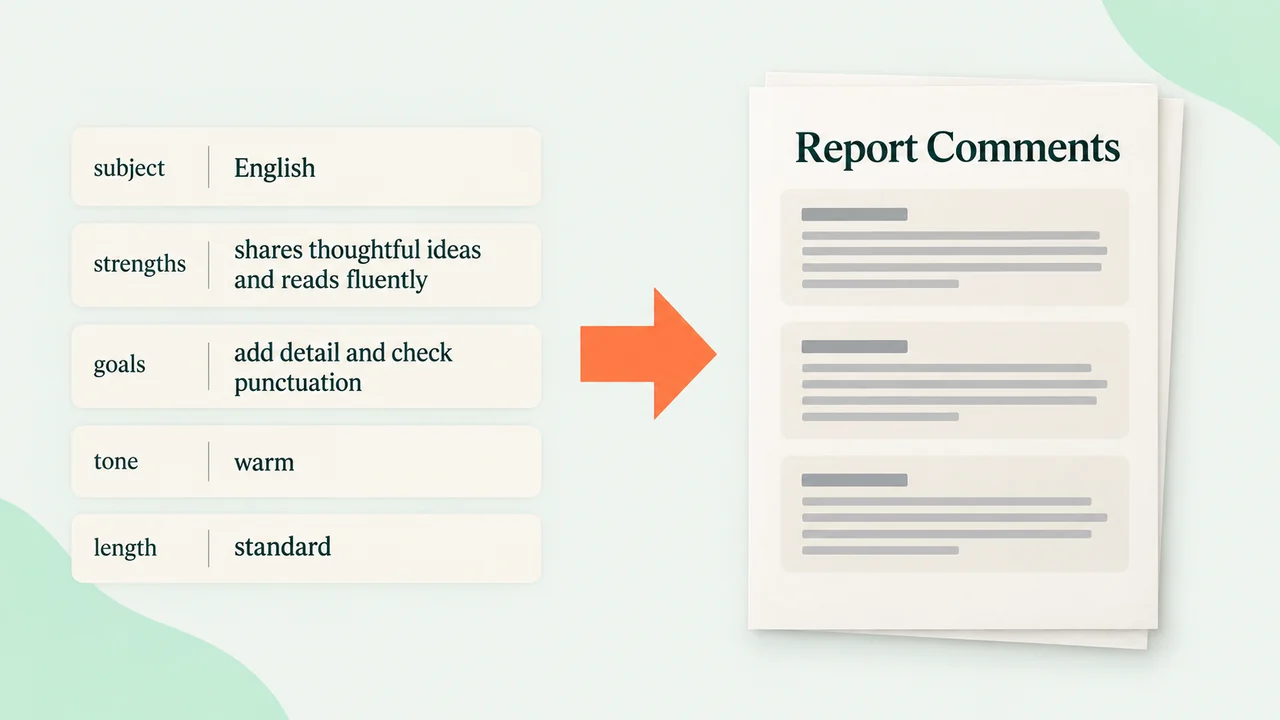

Report season, and you are on comment number nineteen at 10pm with the same three sentences going round in your head. You type the subject, a few strengths and next goals in point form, and pick the tone and length your school uses. Out comes a set of comments written properly, each one different, ready to paste into your reporting system. It works from a first name only and does not ask for or store any other student details, so nothing personal leaves your desk. Read each one before you paste it; you know the child and the tool does not.
The prompt
What’s inside
- Check the subject, the strengths, the goals and the tone
- Write a different comment for each set of points
- Lay the comments out ready to copy
- Check no two comments read the same
- Pack the comment set for download
What you’ll bring
- subject
- strengths and goals
- tone and length
What you’ll get
- report comment set
Perfect for
- Teachers planning a lesson
- Tutors and learning support staff
Also found as
report comment generator · report card comments for teachers · end of year report comments · student report comment bank
Questions
What do I need to provide?
The subject, a few strengths and next goals in point form, and the tone and length your school uses.
What do I get?
A set of report comments, each one different, ready to paste into your reporting system.
What student information does it need?
A first name only. It does not ask for or store any other student details.
Can I paste the comments straight in?
Read each one first. You know the child and the tool does not.
Who is it for?
Teachers planning a lesson, and tutors and learning support staff.
Is it available now?
Yes. It is live on Omo and you pay per run.
Choose a cloud run and skip the setup — Omo handles the service keys and sends back the finished result.