
All About Book
Pick any topic and a reading level, get an illustrated All About book with a glossary.

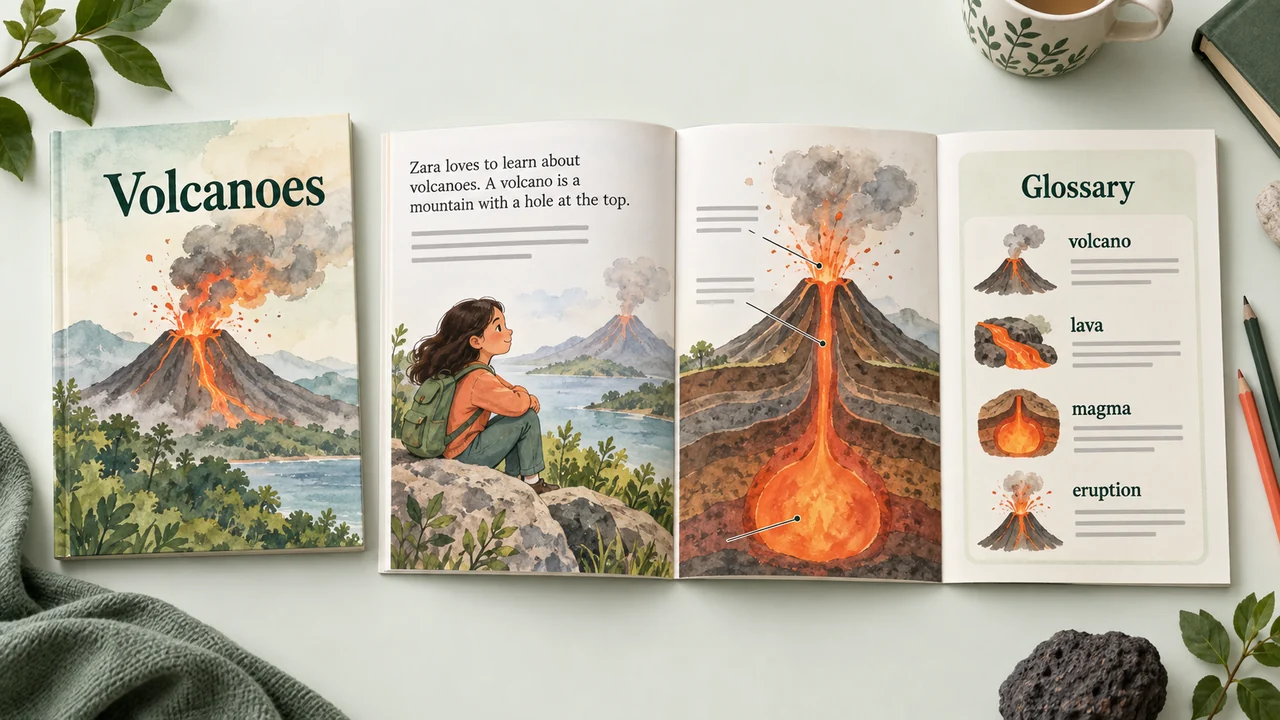
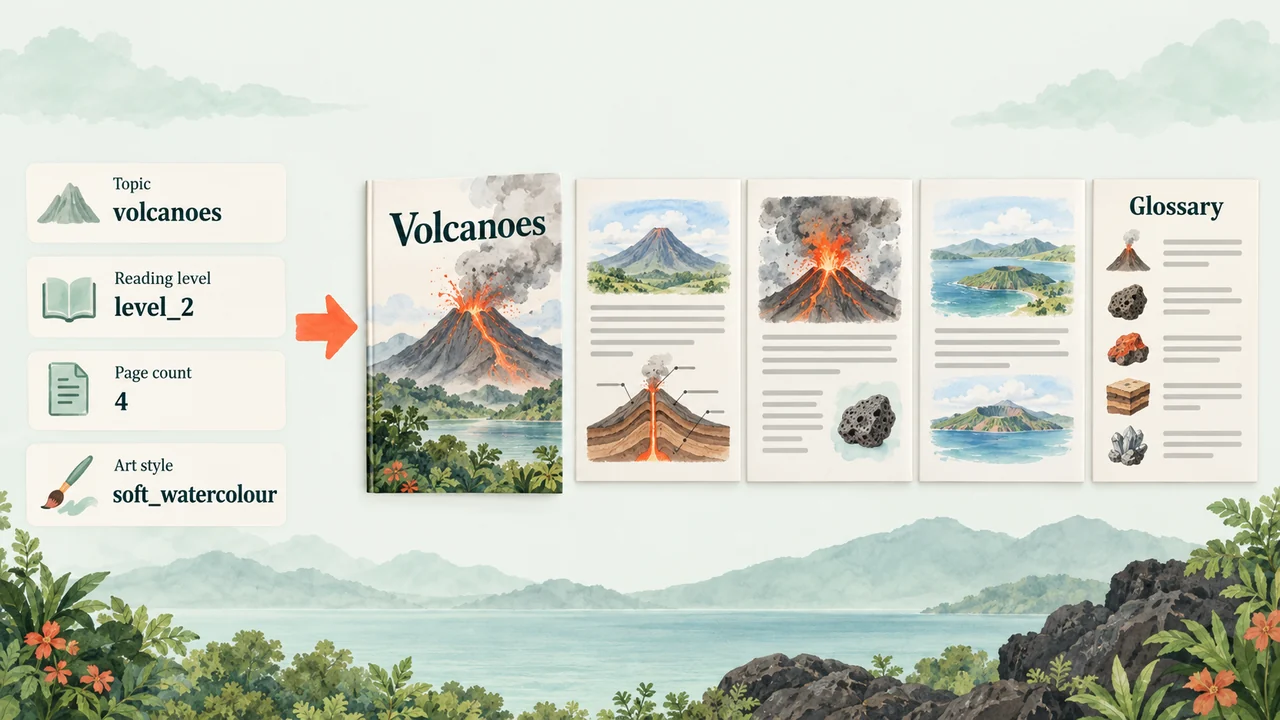

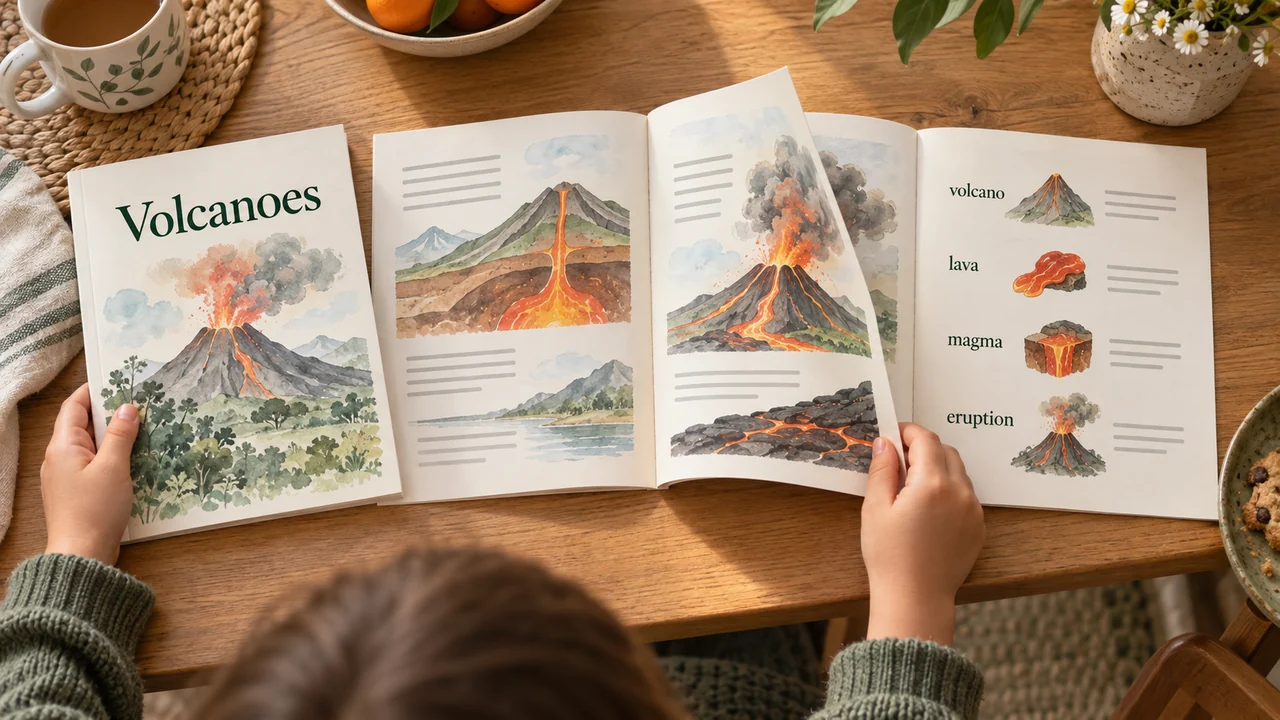
Your child wants to know everything about volcanoes, and the library book is written for a ten year old. Give it the topic, then set the reading level, the number of pages and the art style. Back comes an All About reader with a picture on every page, plain sentences at that level and a glossary at the back for the harder words. Staple the spine after you print it on A4, or read it on a tablet. It writes to the level you choose rather than a set curriculum, so put any syllabus point in the topic box. Read it through once before class, as you would any new reader.
The prompt
What’s inside
- Check the topic, reading level and page count
- Write the All About text at the level you picked
- Draw a picture for each page
- Lay out the pages and build the glossary
- Check the sentences and the glossary words
- Pack the reader PDF for download
What you’ll bring
- topic
- reading level
- pages and art style
What you’ll get
- illustrated nonfiction reader PDF
- glossary page
Perfect for
- Parents at home
- Teachers planning a lesson
- Tutors and learning support staff
Also found as
nonfiction books for early readers · all about books for kids · levelled nonfiction reader printable · informational text year 1
Questions
What do I need to provide?
A topic, a reading level, the number of pages and an art style.
What do I get?
An illustrated All About reader PDF with a picture on every page, plain sentences at your chosen level and a glossary at the back for the harder words.
Can I print it?
Yes. Print it on A4 and staple the spine, or read it on a tablet.
Does it follow a curriculum?
It writes to the reading level you choose rather than a set curriculum. Put any syllabus point in the topic box.
Should I check it before class?
Yes. Read it through once before class, as you would any new reader.
Who is it for?
Parents at home, teachers planning a lesson, and tutors and learning support staff.
Choose a cloud run and skip the setup — Omo handles the service keys and sends back the finished result.