
Lesson Plan
Type a topic, year level and curriculum, get a lesson plan with a resources list.
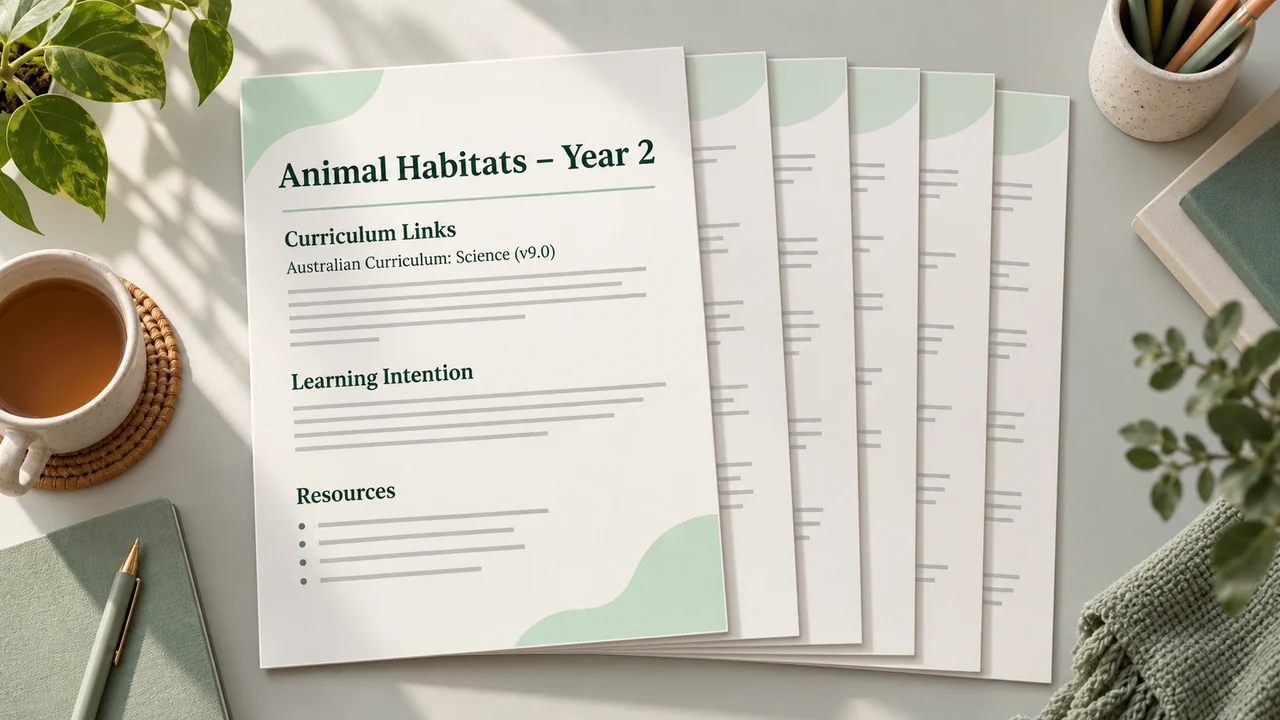
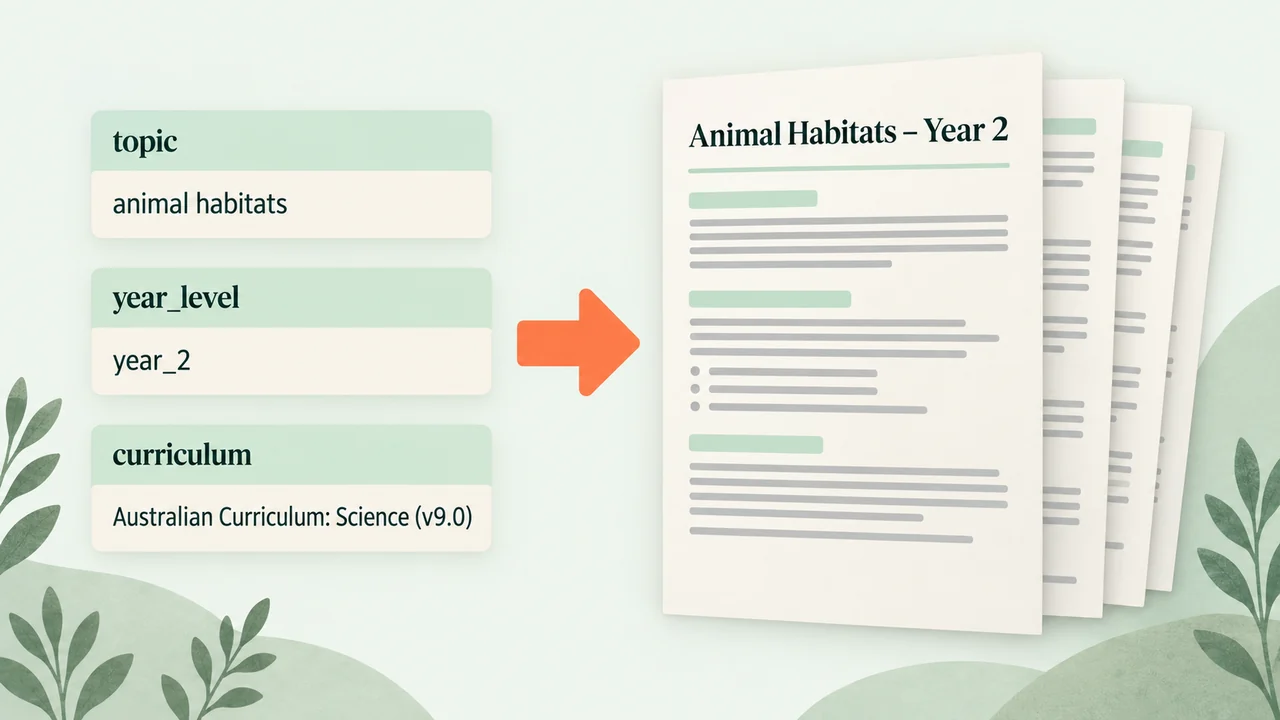
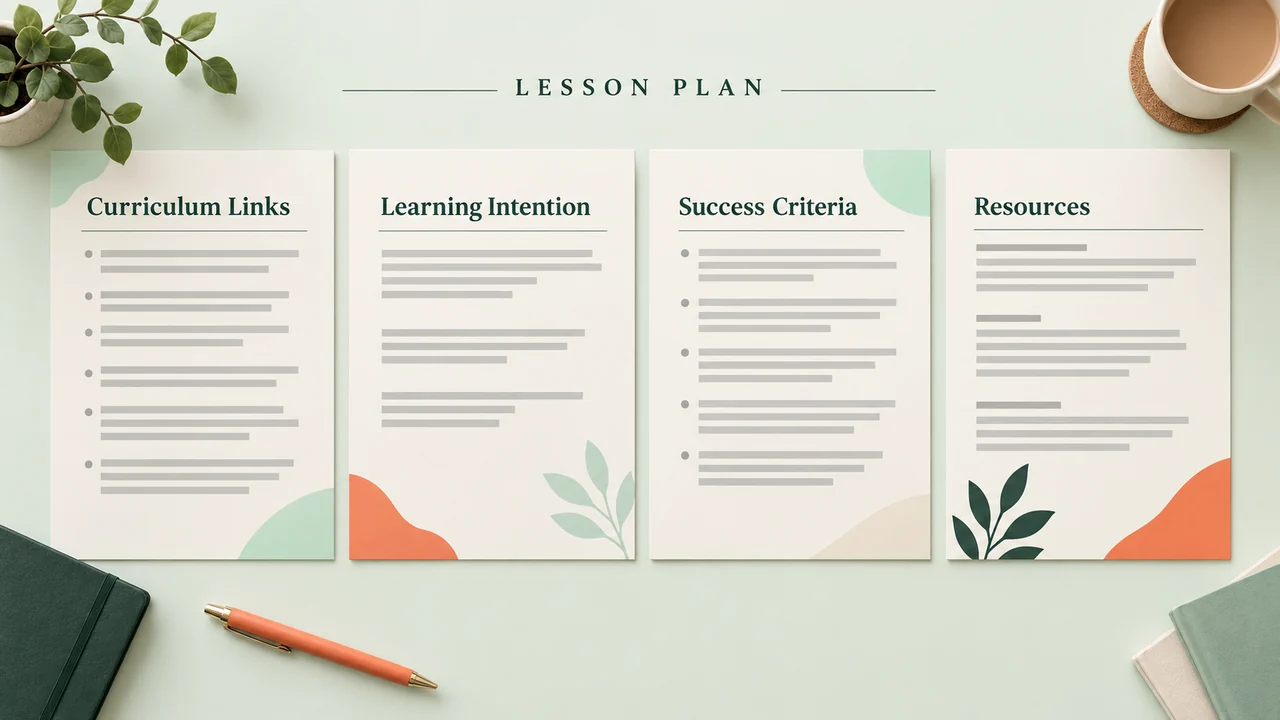
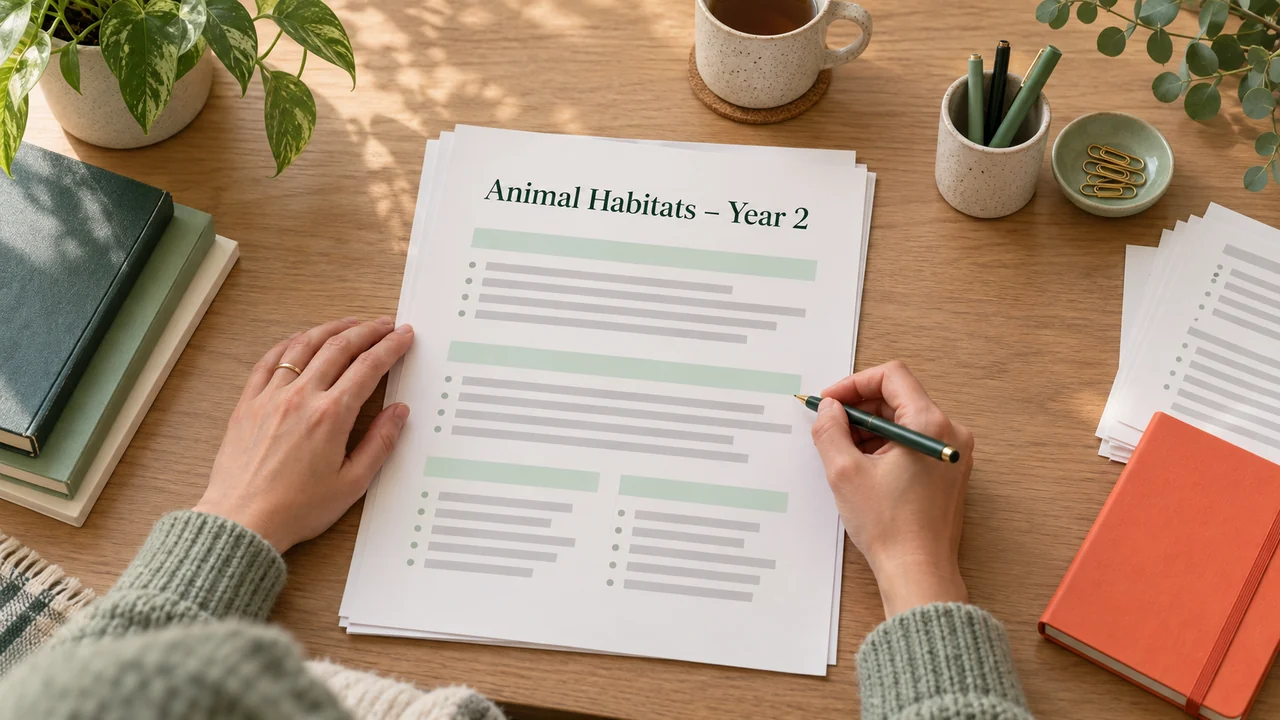
The lesson is tomorrow, the observation is next week and your planning document is a half-filled table. Type the topic, set the year level, then choose the curriculum you work to: the Australian Curriculum, a state syllabus, or US state standards. Back comes a plan on one clean page — learning intention, success criteria, a warm-up, the main activity, differentiation notes, a plenary, and a resources list you can tick off. Print it or keep it on the laptop. It gives you the shape and the language; the judgement about your actual class is still yours, so edit it before you file it.
The prompt
What’s inside
- Check the topic, the year level and the curriculum
- Write the intention, the criteria, the activities and the plenary
- Lay out the plan and the resources list
- Check the activities match the learning intention
- Pack the lesson plan for download
What you’ll bring
- topic
- year level
- curriculum
What you’ll get
- lesson plan PDF
- resources list
Perfect for
- Teachers planning a lesson
- Tutors and learning support staff
Also found as
lesson plan generator australian curriculum · lesson plan template primary · ai lesson plan maker · lesson plan with resources list
Questions
What do I need to provide?
A topic, a year level and your curriculum: the Australian Curriculum, a state syllabus or US state standards.
What do I get?
A one-page plan PDF with learning intention, success criteria, a warm-up, the main activity, differentiation notes, a plenary and a resources list.
Is it ready to file as is?
It gives you the shape and the language. The judgement about your class is yours, so edit it before you file it.
Can I print it?
Yes. Print it or keep it on your laptop.
Who is it for?
Teachers planning a lesson, and tutors and learning support staff.
Is it available now?
Yes. It is live on Omo and you pay per run.
Choose a cloud run and skip the setup — Omo handles the service keys and sends back the finished result.