Certificate
Type the child's name, the achievement and a theme, get a certificate that looks worth keeping.
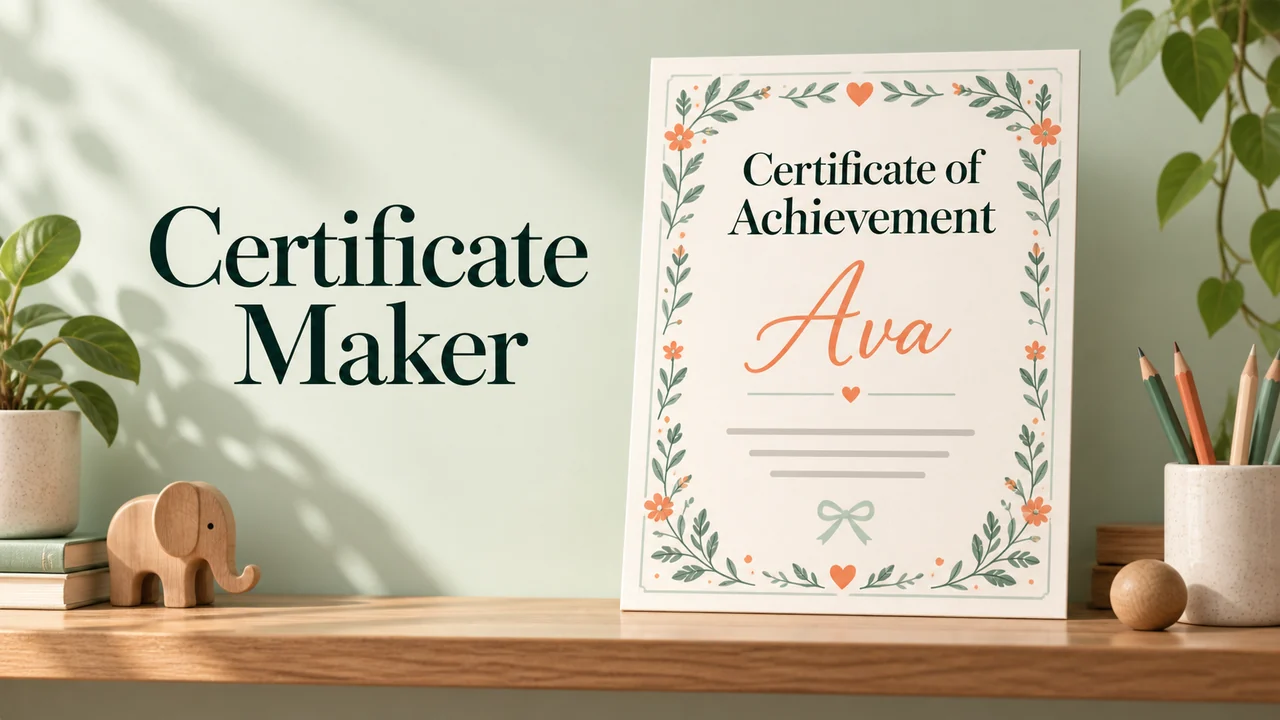
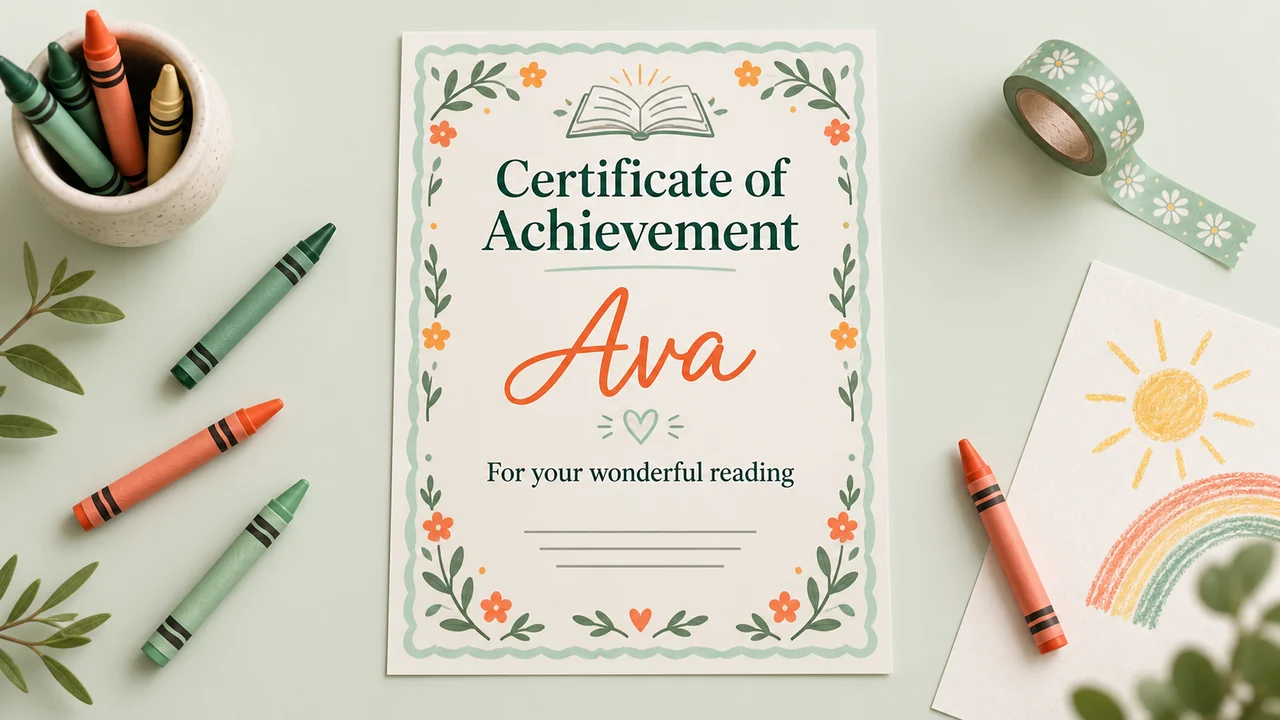
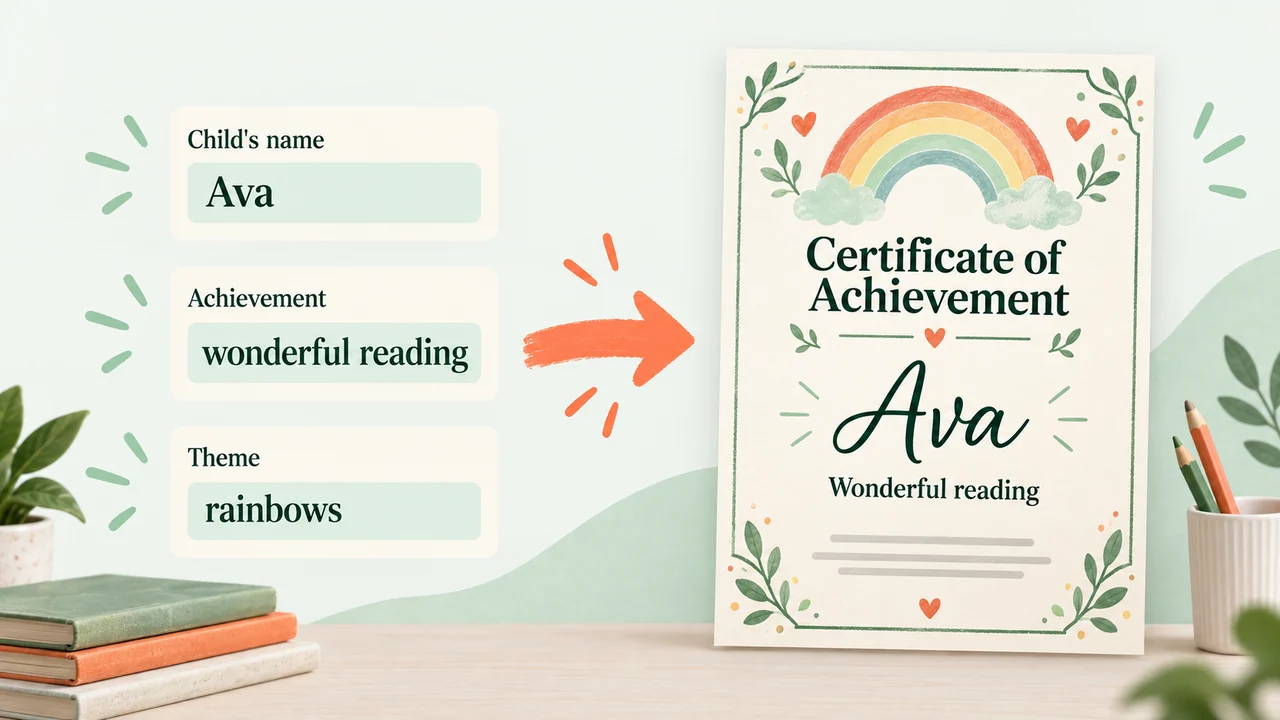
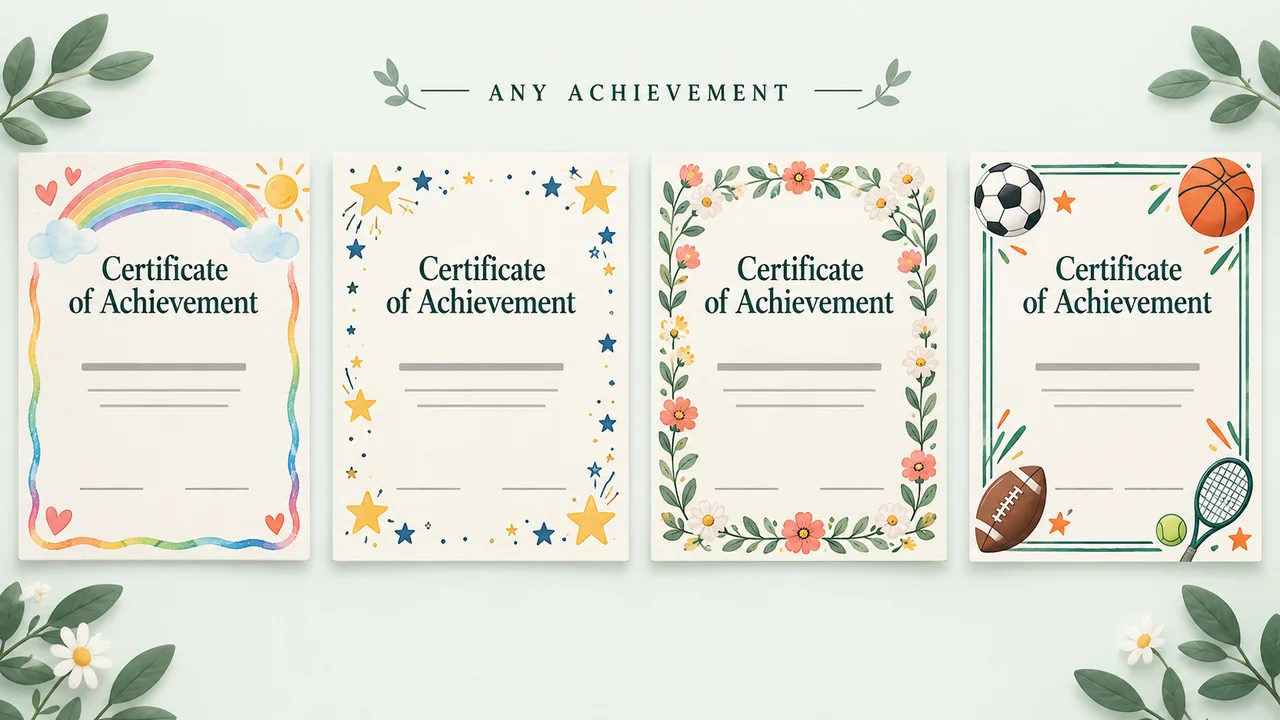
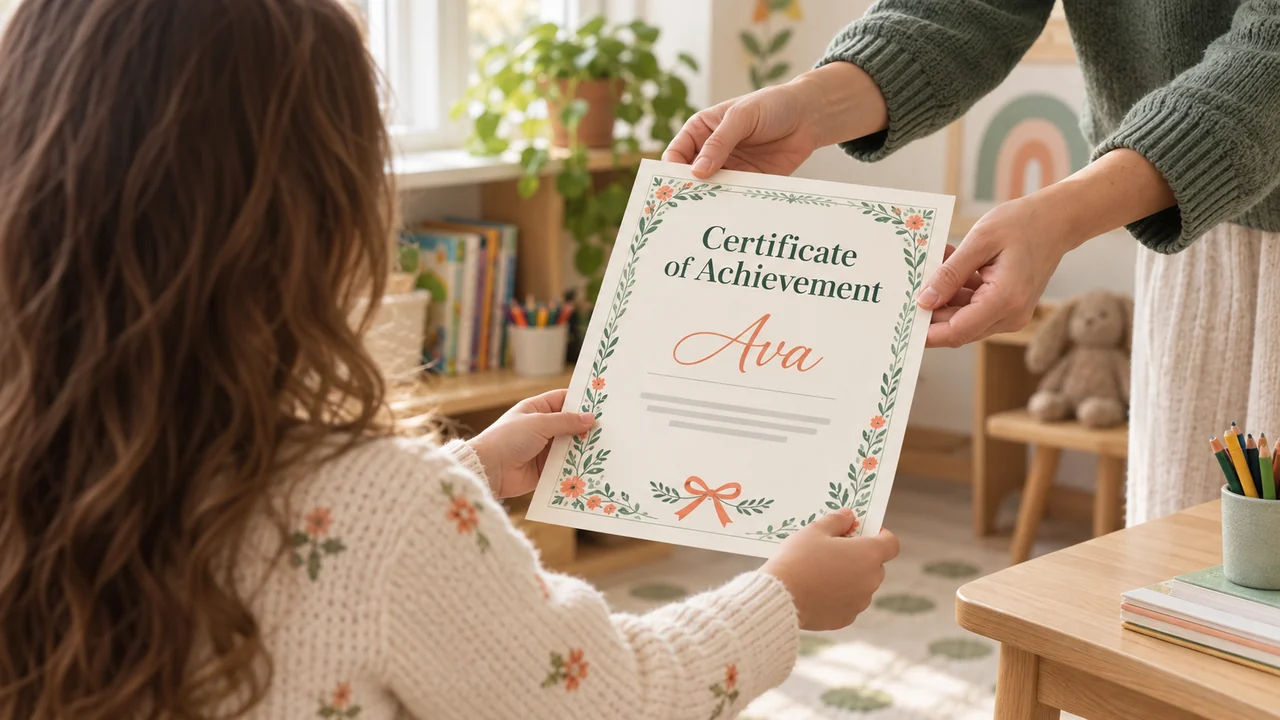
You want to mark the day they read their first book by themselves, or finished swimming lessons, or lost a tooth, and the generic template looks like it came from an office printer. You type the child's name, what the certificate is for and a theme (dinosaurs, ballet, space, footy). Out comes a certificate with a border, a seal, the achievement written out properly and a signature line. Print it on A4, on card if you have it, and it goes straight into a frame or on the fridge. Teachers can make a class set with each child's name in one go.
The prompt
What’s inside
- Check the name, the achievement and the theme
- Write the wording for the achievement
- Lay out the certificate with a signature line
- Check the spelling of the name
- Pack the certificate for download
What you’ll bring
- child's name
- achievement
- theme
What you’ll get
- certificate PDF
Perfect for
- Parents at home
- Teachers planning a lesson
- Tutors and learning support staff
What it makes
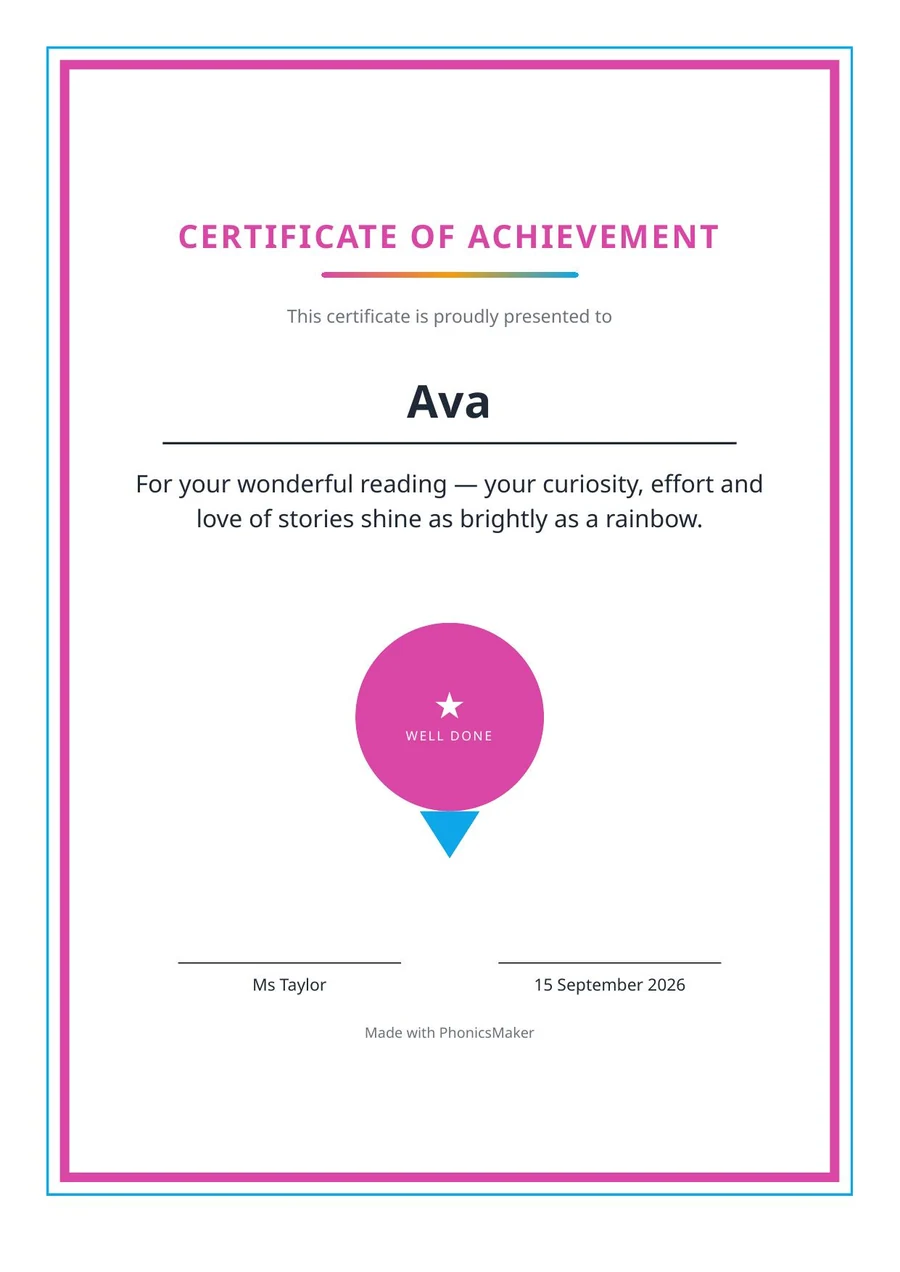
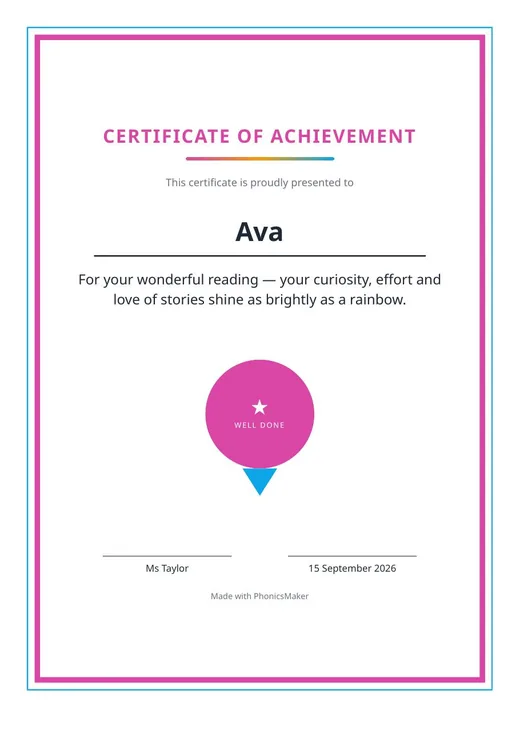
1 page from one real run, in order and unedited
Also found as
certificate maker for kids · personalised certificate printable · class award certificates · reading certificate template
Questions
What do I need to provide?
The child's name, the achievement and a theme.
What do I get?
A certificate PDF with a border, a seal, the achievement written out properly and a signature line.
Can I print it?
Yes. Print it on A4, on card if you have it.
Can teachers make a class set?
Yes. Teachers can make a class set with each child's name in one go.
Can I see a sample?
Yes, the listing shows a 1-page sample.
Who is it for?
Parents at home, teachers planning a lesson, and tutors and learning support staff.
Choose a cloud run and skip the setup — Omo handles the service keys and sends back the finished result.